What is RSS?
RSS shows updates only from the sites and channels you subscribed to, in the order posted, with no algorithm involved. This page covers how it works, how it differs from social feeds, and how to start.
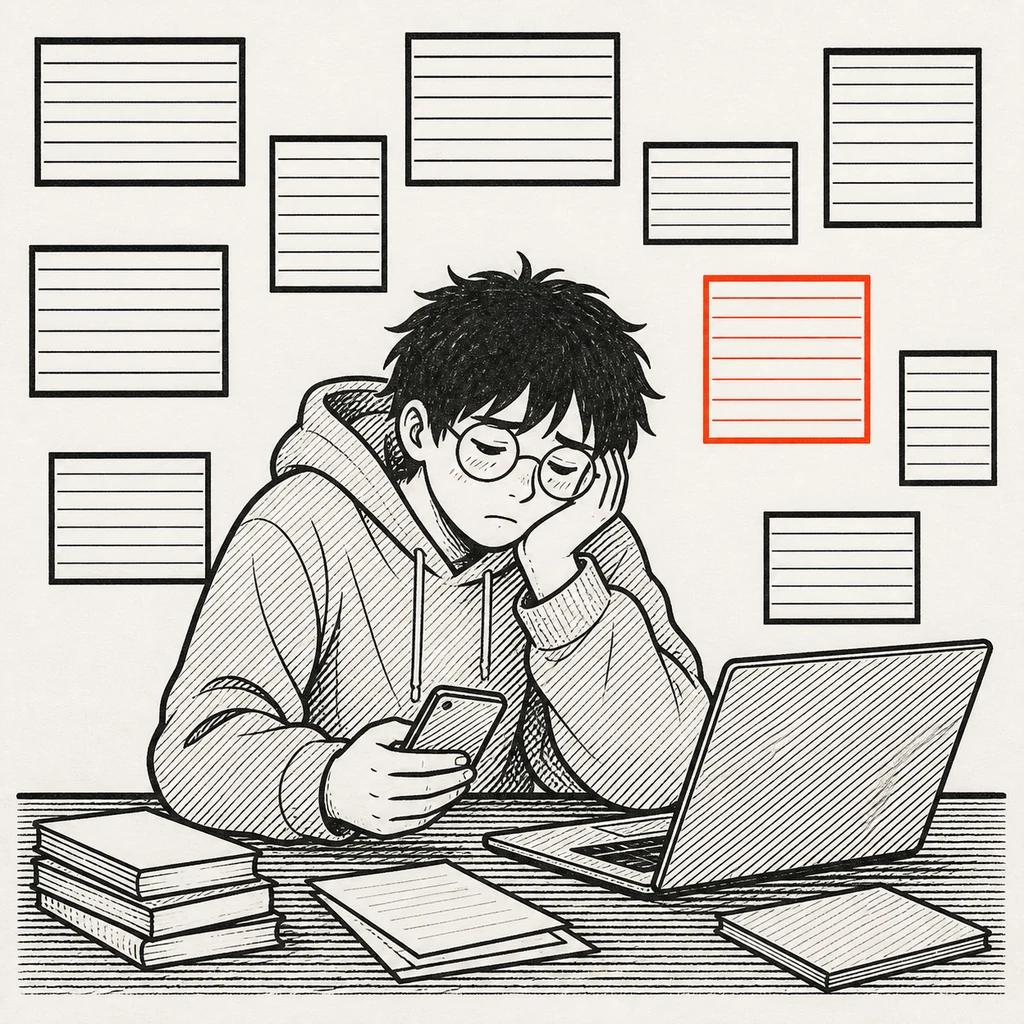
KaiDid that blog post anything today?
KaiChecked five sites. Nothing new on any of them.
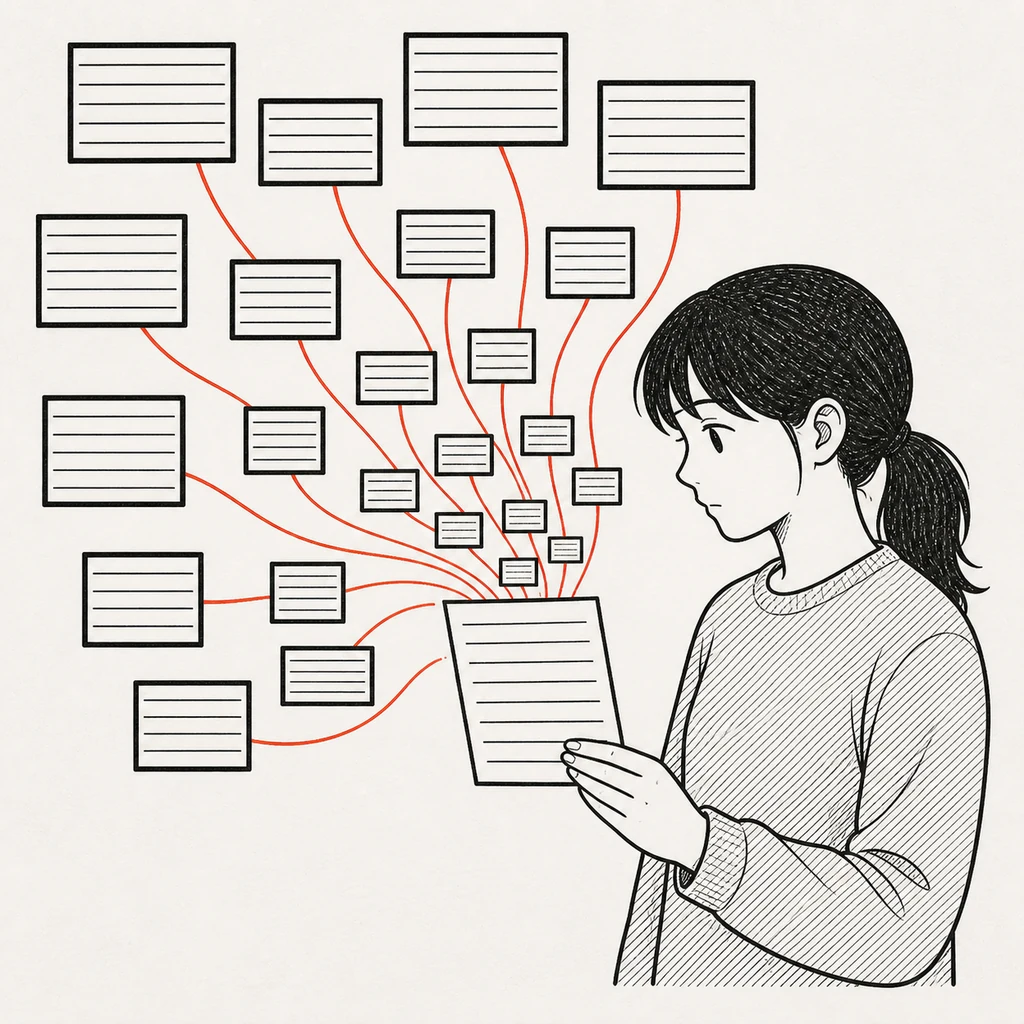
MioWith RSS, just the new posts gather on one screen.
MioNothing gets reordered. They stay in the order they were published.
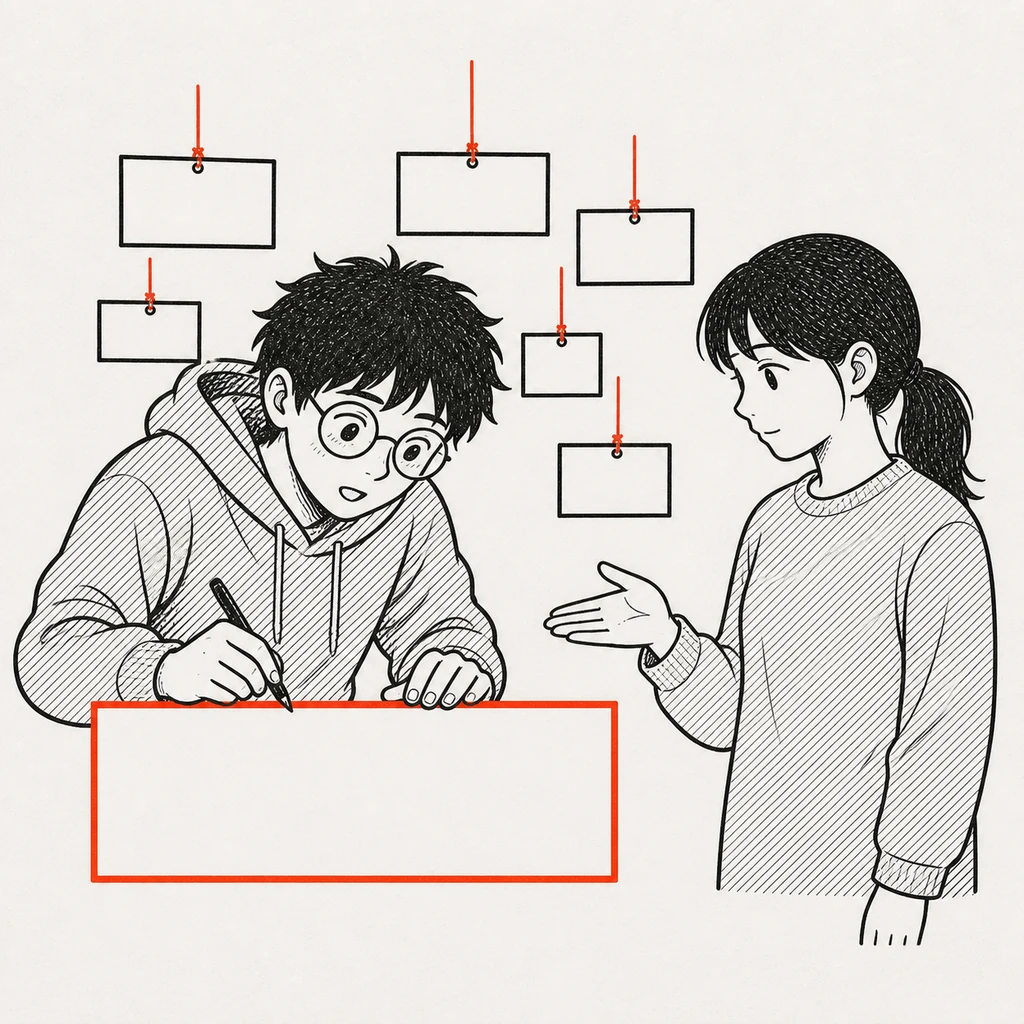
KaiIsn't it fiddly to set up?
MioYou paste the address of a site you read. Or just pick a few genres.
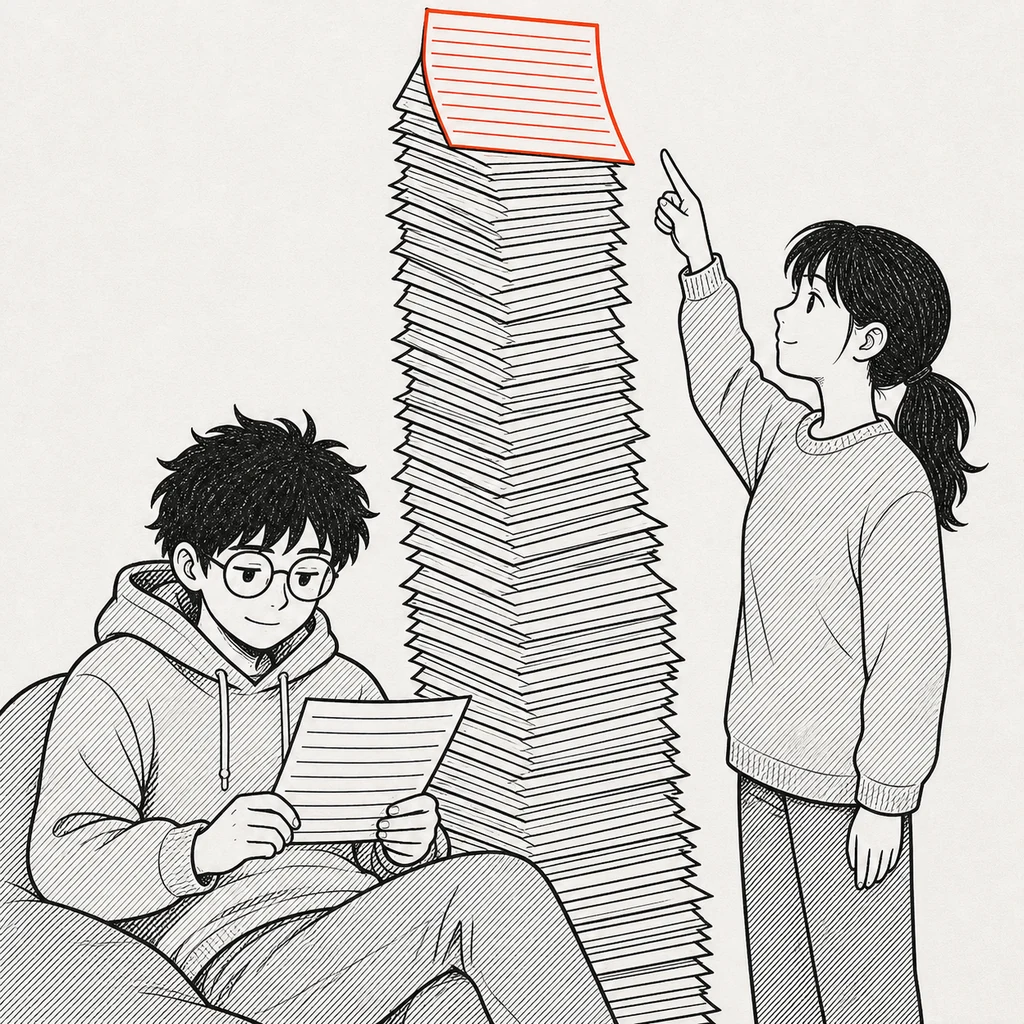
Kai...it says 9,999 unread.
MioYou don't have to catch up. When it piles up, mark it all read.
What it does
RSS is a machine-readable list a site publishes saying "here is what we posted recently". Most news sites and blogs still publish one.
An RSS reader fetches those lists on a schedule and shows you what is new. Only the sites and channels you subscribed to appear, in the order they were published.
How it differs from a social timeline
The ordering is decided by your subscription list and the clock, not by an algorithm. Things appear in the order they were posted, not the order someone wants you to see them.
Nothing you did not subscribe to shows up. No recommendations, no sponsored posts mixed into the stream — the ads on this service sit outside the article list.
The trade-off is that nothing interesting arrives by accident. You decide what you read.
Getting started
Enter the URL of a site you want to follow and its feed is detected automatically. You do not need to hunt for the RSS URL yourself. YouTube channel and Mastodon account URLs work the same way.
If you are not sure where to start, picking a few genres subscribes you to a representative set in one step.
Keeping the backlog manageable
Most people who give up on RSS do so because unread counts pile up faster than they can read. Two things help.
- Do not stack up high-frequency sites. Five sites posting 20 items a day is 100 items a day on its own
- Do not try to catch up. Treat the backlog as disposable and mark everything read periodically
FAQ
- Is it free?
- Yes. Up to 1,000 feeds, with no paid plan.
- Do I need to install anything?
- No. It runs in the browser, so the same subscription list is available from a computer and a phone.
- Can I follow sites that don't publish a feed?
- Yes. Updates can be detected from the page itself and followed as a pseudo-feed, once you are signed in.
Other guides
- Working with OPML
- Finding feeds
- RSS, Atom and JSON Feed
- When a feed stops updating
- Moving your subscriptions from Feedly
- Moving your subscriptions from Inoreader
- Following a YouTube channel by RSS
- Following note and Hatena Blog by RSS
- Following a site that has no RSS feed
- Cutting the backlog with rules and filters
- What a cloud RSS reader is
- Using freefeed from an AI agent
- RSS glossary