Up to 1,000 sites
Add up to 1,000 sites, organised with folders and tags.
Add the blogs and YouTube channels you read, and only their new posts and videos appear on one screen. Free, for up to 1,000 sites.
No credit card.No paid plan.
How to start
Sign in
With Google, X, Discord or GitHub — or with an email address.
Pick the subjects you read
Cooking, news, games and so on. Then choose how articles should look.
Start reading
The first articles appear within seconds. What you have read leaves the list, and you can bring it back later.
Already know which blog or YouTube channel you want? Paste its address to add it. It will not ping you for every new post — they are simply waiting whenever you open the page.
Guide
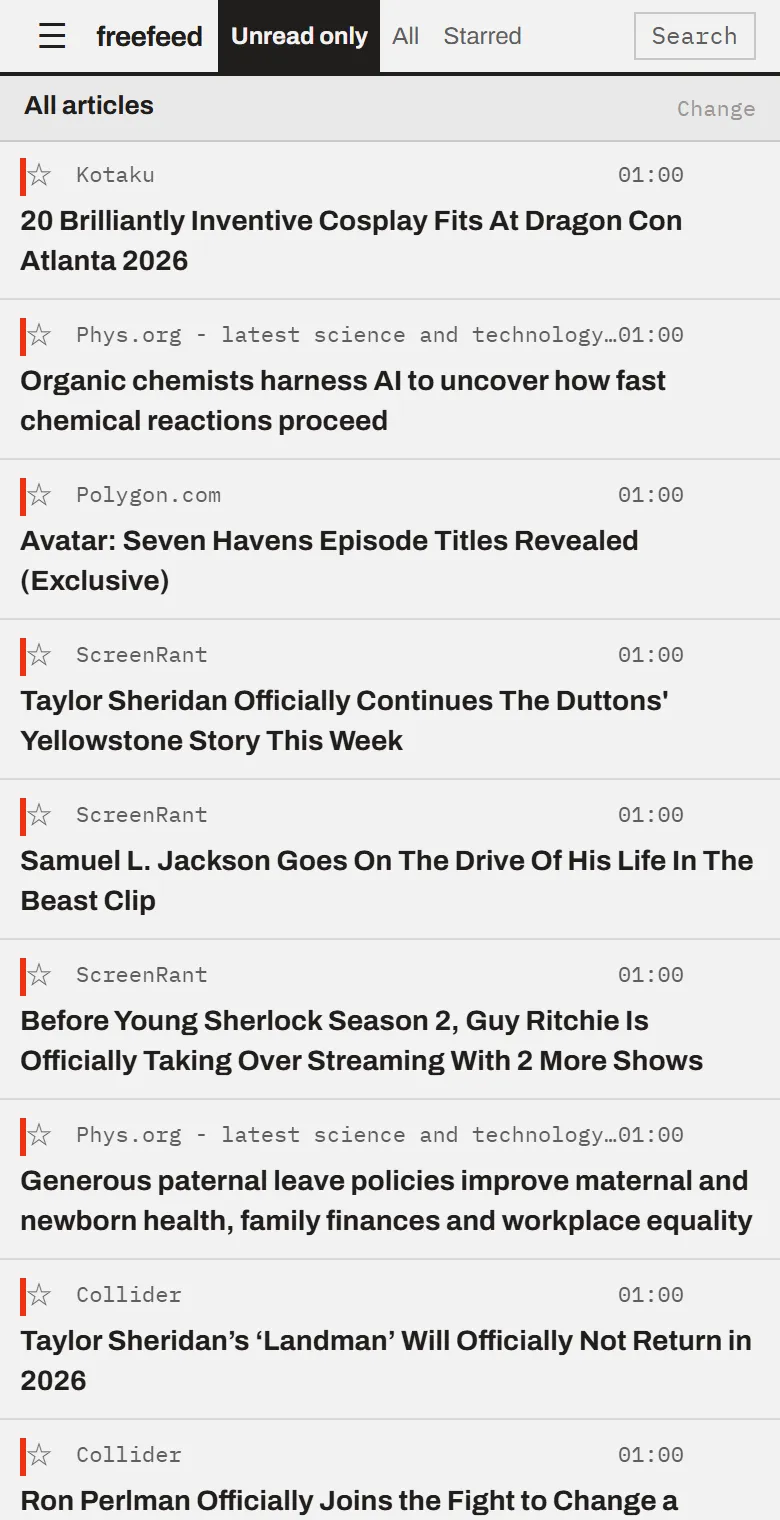
Seeing new videos from the YouTube channels I follow, in a list
How to do it →

Guide
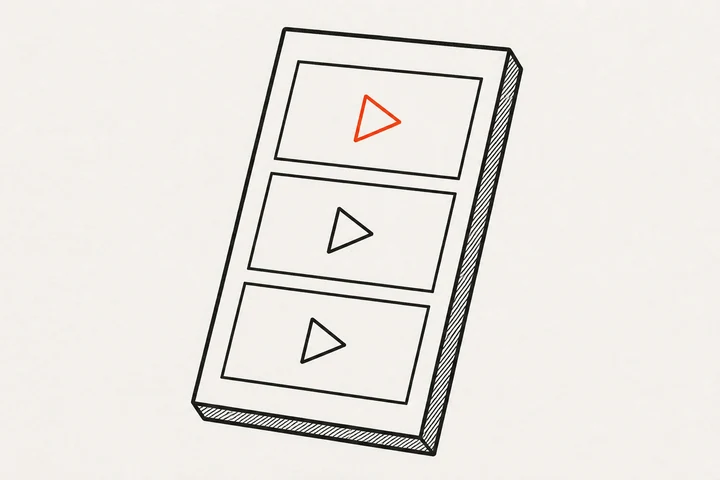
Reading new posts from the writers I follow without checking each blog
How to do it →
Directory
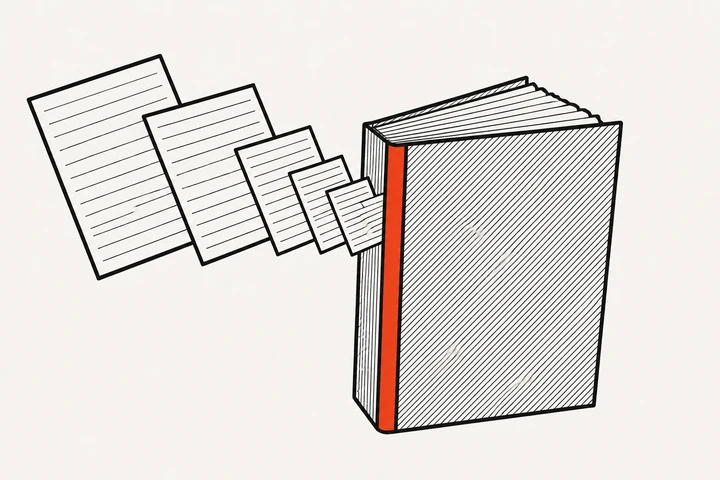
Reading new posts from many blogs in one place
Browse sites →
Guide
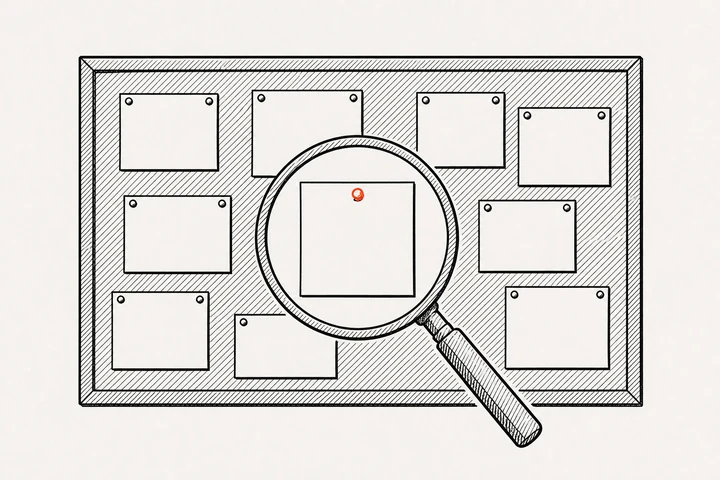
Following sites that make their updates hard to spot
How to do it →
For all of these: sign in and pick a few subjects, or paste an address.
Coming from another RSS reader? Bring the sites you added in a single OPML file. How to move them
This is a free web service for collecting updates from sites and reading them in one place. The mechanism behind it is called RSS. You do not need to know it — picking a few subjects is enough. If you are curious, there is a four-panel comic.

Add up to 1,000 sites, organised with folders and tags.
Nothing is reordered, and posts from sites you did not add are never mixed in.
Paste a channel address and its new videos line up alongside articles (Mastodon accounts work the same way).
For sites that do not publish updates in a machine-readable form, new headlines can be picked up from the page itself. Some sites cannot be read this way.
Automatically mark read, tag or filter out articles that match your conditions.
Search titles, summaries and article text, with operators like intitle: and after:.
It runs in the browser, with nothing to install. On a desktop a bookmarklet adds the page you are on; on a phone, add it to your home screen and the same thing works from Share.
Inoreader-compatible, FreshRSS-compatible or Vim. Bring your muscle memory with you.
Export the sites you added, your folders, stars and tags in one go (OPML and JSON). Other services can read the exported files. If this is not a fit, your data should always be easy to take with you.
If you find it useful, tell the people around you. They do not need to know what RSS is — picking a few subjects is enough to get started.
Sign in, pick the subjects you read, and the first articles appear within seconds. Free for up to 1,000 sites.
Start freeNo credit card.No paid plan.